
FirstBank USSD Not Working and how to Fix it
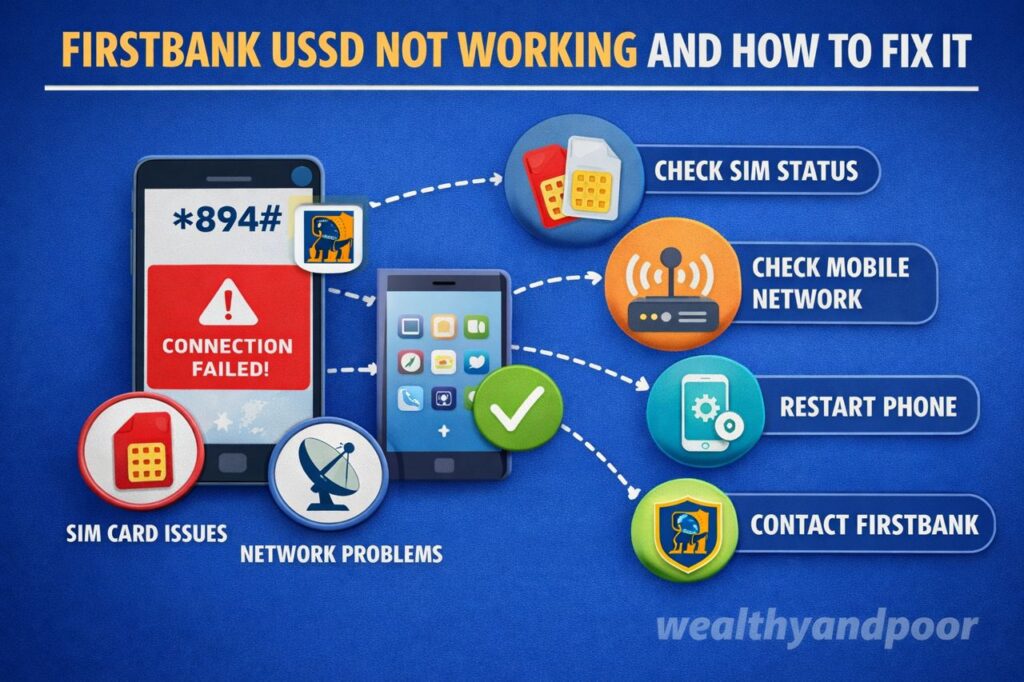

In Nigeria’s fast evolving digital banking landscape, USSD banking has become a lifeline for millions. Services like FirstBank’s *894# allow customers to transfer money, buy airtime, and check balances without internet access. Yet, like any technology dependent on telecom infrastructure and backend systems, it is not immune to disruptions. When FirstBank’s USSD stops working, it can be frustrating especially for users who rely on it for everyday transactions.
This article breaks down why First Bank USSD may fail, what it means for customers, and practical steps to resolve the issue quickly.
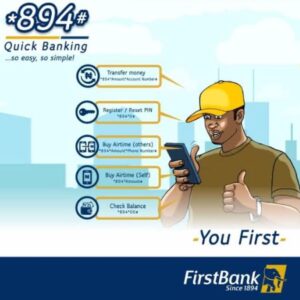
Understanding First bank USSD Banking
FirstBank’s USSD service (*894#) is a mobile banking solution that works across all GSM networks and does not require internet connectivity. It is tied to a customer’s registered phone number and secured with a transaction PIN.
With this service, users can:
- Transfer funds
- Check account balances
- Pay bills
- Buy airtime and data
Its simplicity and accessibility have made it one of the most widely used banking channels in Nigeria.
Why First bank USSD May Not Be Working
When the USSD service fails, the cause is often not a single issue but a combination of technical and user related factors.
- Network Connectivity Issues
USSD relies heavily on mobile network availability. If your network signal is weak or unstable, transactions may fail or sessions may timeout. Poor coverage or congestion from telecom providers can disrupt communication between your phone and the bank’s system.
- Bank System Downtime
At times, the issue is not from the user’s end. Banks occasionally experience downtime due to maintenance or technical faults. For instance, First bank has previously confirmed disruptions affecting USSD and other digital channels, leading to delayed or declined transactions.
- Using an Unregistered Phone Number
First bank USSD only works on the phone number linked to your account. If you attempt to use another SIM card, the service will not respond or will deny access.
- Incorrect or Forgotten PIN
Entering the wrong PIN multiple times can block transactions temporarily. In some cases, users simply forget their PIN or input errors during transactions.
- Insufficient Account Balance
Transactions such as transfers or bill payments will fail if there are not enough funds in the account. Even small service charges can cause a transaction to decline.
- Session Timeout Errors
USSD sessions are time-sensitive. If you delay inputting responses, the session may expire, forcing you to restart the process.
- Account Restrictions or Issues
If there is a restriction on your account such as a security hold or KYC related issue USSD transactions may be blocked until resolved.
How to Fix First bank USSD Not Working
Fortunately, most USSD issues can be resolved with simple troubleshooting steps.
- Check Your Network Signal
Move to a location with stronger network coverage and try again. Switching between airplane mode on and off or restarting your phone can also refresh your connection.
- Use Your Registered Phone Number
Ensure the SIM card you are using is the one linked to your First bank account. This is a strict requirement for accessing USSD services.
- Retry the Transaction
If the issue is due to a temporary glitch or session timeout, retrying the process often resolves it.
- Reset Your USSD PIN
If you suspect your PIN is incorrect or compromised, reset it by dialing 8940# and following the prompts to create a new PIN.
- Ensure Sufficient Funds
Before initiating transactions, confirm your account balance can cover both the transaction amount and associated charges.
- Wait During System Downtime
If the problem is due to a bank-wide outage, there may be little you can do except wait. Banks typically resolve such issues within hours, and services are restored automatically.
- Contact Customer Support
If the issue persists, reach out to First bank customer care or visit the nearest branch. Account-related issues often require direct intervention.
What This Means for Customers
USSD banking remains one of the most inclusive financial tools in Nigeria, especially for users without smartphones or internet access. However, its dependence on telecom networks and backend banking systems means occasional disruptions are inevitable.
For customers, the key takeaway is resilience: always have alternative channels such as mobile apps, ATMs, or internet banking when possible. USSD should be seen as part of a broader ecosystem, not the only access point.
Preventing Future Issues
To minimize disruptions:
- Keep your registered phone number active
- Memorize and protect your USSD PIN
- Avoid sharing sensitive banking details
- Regularly update your account information
It is also important to stay alert during service outages, as fraudsters may exploit such situations. Banks have repeatedly warned customers not to share personal details with anyone claiming to “fix” transaction issues.
Conclusion
When First bank USSD is not working, the cause is often traceable to network issues, system downtime, or user-related errors. The good news is that most of these problems are temporary and solvable with basic troubleshooting steps.
As digital banking continues to expand in Nigeria, reliability will improve but occasional disruptions will remain part of the system. Being informed and prepared ensures that when issues arise, they are an inconvenience not a crisis.












Comments