
Why Opay Free Transfers Sometimes Fail
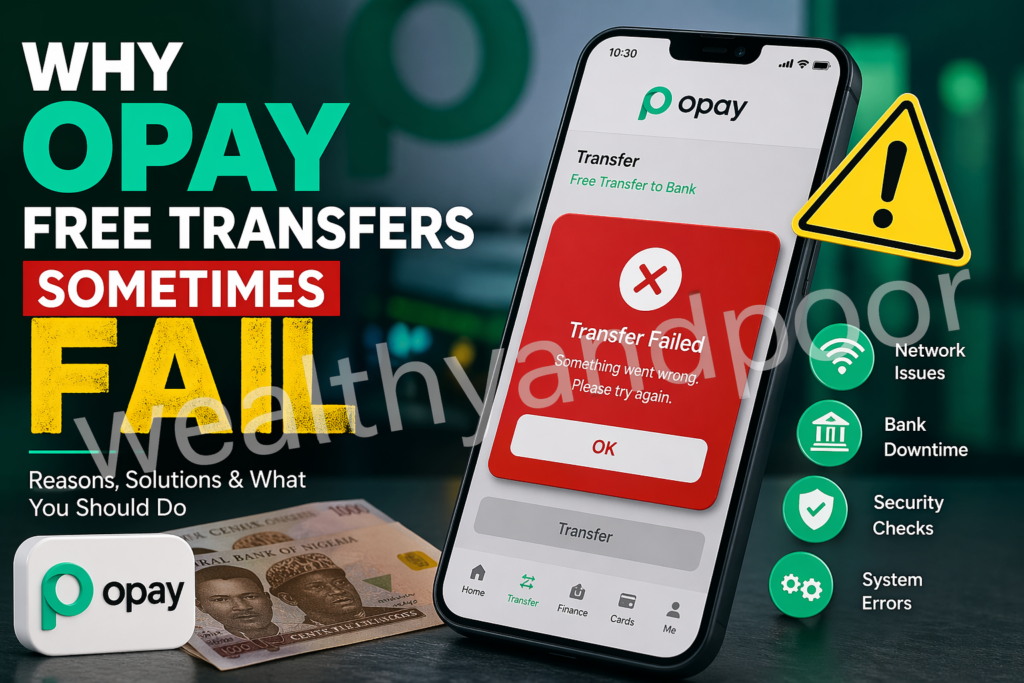

In Nigeria’s fast-growing fintech ecosystem, platforms like OPay have made free transfers a daily convenience. However, users still experience occasional failed or delayed transactions even when transfers are supposed to be instant and free.
Understanding OPay Free Transfers
OPay processes millions of transactions daily, making it one of the most widely used mobile money platforms in Nigeria.
Its “free transfer” feature often limited to a number of transactions per month relies on real-time banking infrastructure and interbank networks. When any part of this chain is disrupted, transactions can fail, delay, or remain pending.
1. Network and Connectivity Issues
One of the most common causes of failed OPay transfers is poor internet connectivity.
If your mobile network is unstable or slow, the transaction request may not be properly processed, leading to failure or timeout errors.
2. Recipient Bank Downtime
In many cases, the issue is not from OPay itself but from the receiving bank.
Interbank transfers depend on the Nigeria Inter-Bank Settlement System (NIBSS). If the recipient’s bank is experiencing downtime or maintenance, the transfer may fail or delay.
User complaints in Nigeria often show that funds can be debited but not credited immediately due to receiving bank issues.
3. High Transaction Volume & System Overload
OPay handles a massive volume of transactions daily. During peak periods (e.g., salary days, festive seasons), system congestion can occur.
Even reliable systems can experience:
- Temporary outages
- Slow processing
- Failed transaction responses
A Nigerian report notes that delayed transfers or failed payments can significantly impact users, especially in urgent situations.
4. Insufficient Balance or Hidden Charges
Although transfers are labeled “free,” they still require:
- Sufficient wallet balance
- Possible backend settlement costs
If your balance is not enough (even by a small margin), the transaction will fail automatically.
5. Transaction Timeout & Error Codes
Every digital payment system uses error codes to determine transaction status.
For OPay:
- Timeout errors occur when a request takes too long
- System errors may happen due to server issues
- Bank-side declines can trigger failure responses
OPay’s system returns error codes from either its own platform or partner banks, meaning failures can originate from multiple sources.
6. Pending Transactions That Eventually Fail
Sometimes, transfers don’t fail immediately—they stay “processing.”
According to transaction tracking guidance:
- “Processing” means the system is still attempting completion
- Some pending transfers eventually fail if confirmation isn’t received
This is why users may see:
- Debit alert
- No credit to recipient
- Later reversal (or delay before reversal)
7. Security Checks and Fraud Prevention
OPay runs automated security checks to prevent fraud.
Transactions may fail if:
- The system detects unusual activity
- There are KYC (Know Your Customer) limitations
- Transfer patterns trigger internal risk controls
These checks protect users but can sometimes block legitimate transfers.
8. Maintenance and System Updates
Like any fintech platform, OPay occasionally performs system upgrades or maintenance.
During these periods:
- Transfers may be temporarily unavailable
- Free transfer features may glitch
- Some transactions may fail or delay
What To Do When Your OPay Transfer Fails
If you experience a failed or pending transfer:
1. Wait a few minutes
Many transactions resolve automatically.
2. Check transaction status
Look for: Successful, Processing, or Failed.
3. Gather transaction details: Reference number, Date and time, Amount
4. Contact support immediately
Use in-app support or official channels for faster resolution.
Conclusion: While OPay free transfers are generally fast and reliable, failures can still occur due to network issues, bank downtimes, system overload, or security checks.












Comments