
How to Increase Your Access Bank Transfer Limit
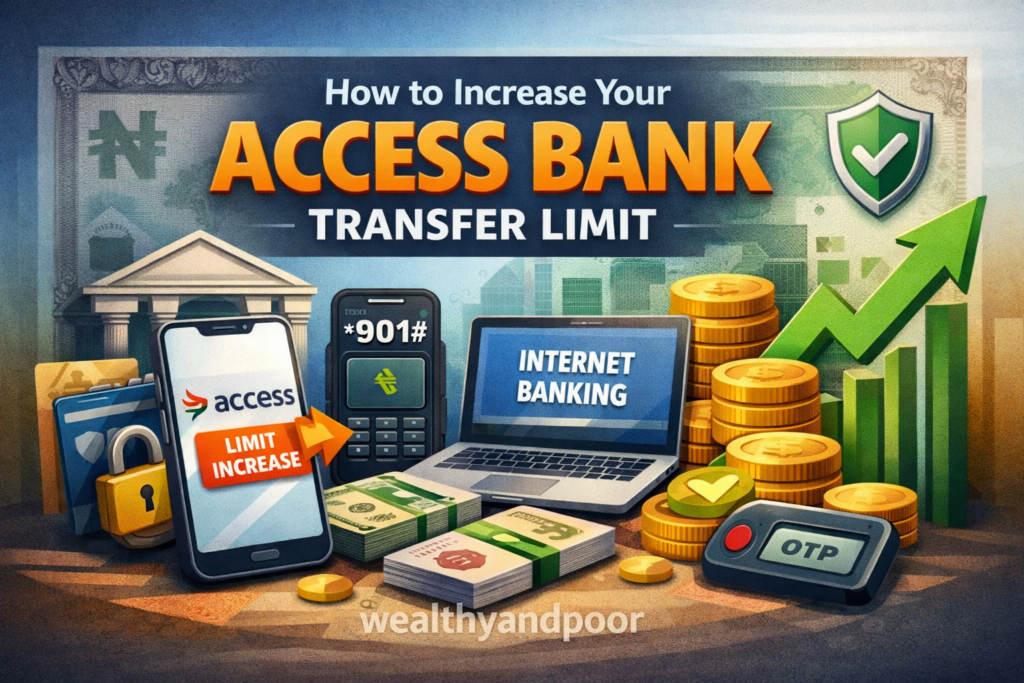

Access Bank remains one of Nigeria’s most widely used retail banks, offering multiple digital channels including USSD (*901#), mobile app, and internet banking for transferring money to other accounts. But many customers repeatedly hit transfer limits that restrict how much they can send per transaction or per day. These limits are designed for security and compliance with Central Bank of Nigeria (CBN) policies, but they can also hinder legitimate financial needs.
Access Bank sets transfer limits to protect customers and prevent fraud. These limits vary depending on the type of account and the transaction channel used. Mobile app transfers, for example, typically allow daily limits ranging from ₦50,000 to ₦500,000, while USSD (*901#) transfers are generally capped at ₦50,000 per day for basic accounts. Internet banking users usually enjoy higher limits, sometimes up to ₦2,000,000 per day.
Why Limits Matter
Daily and per‑transaction caps serve dual purposes: protecting customers from fraud and aligning with CBN’s cashless policy initiatives. While these safety measures reduce unauthorized transfers, they also mean everyday users may struggle to send larger amounts for example, supplier payments or school fees.
Ways to Increase Your Transfer Limit
Complete Full Account Verification (KYC)
Customers with limited access often have only basic identification linked to their account. To raise limits, Access Bank requires full Know Your Customer (KYC) compliance usually involving:
- National Identification Number (NIN)
- Valid government‑issued ID
- Proof of address
Use More Secure Channels
Simply switching from USSD to the AccessMore mobile app or internet banking often increases your limits automatically. Digital banking platforms allow higher daily and per‑transaction ceilings because they offer stronger authentication than USSD alone.
Register and Use a Hardware or Soft Token
For customers who still rely on USSD, having a bank token either hardware or soft (software token) can unlock higher limits when using USSD. With a valid token and ATM card registration, customers can transfer significantly more than the default ₦20,000 per transaction or ₦100,000 per day.
Visit a Branch to Request a Limit Increase
In some cases, especially for transactions above typical retail thresholds, Access Bank may require an in‑person visit. At the branch, you can:
- Submit supporting KYC documents
- Request higher limits formally
- Complete any indemnity forms (where applicable)
Banks often assess requests based on account standing, transaction history, and compliance criteria before approval.
Upgrade to a Premium or Corporate Account
Access Bank customers who frequently transact large sums especially businesses benefit from upgrading their account type. Premium and corporate accounts often come with higher transfer caps by default, and can also support additional banking tools like trade payments or bulk transfers.
Tips Before You Seek a Limit Increase
- Check Your Existing Limit: You can dial *901# → Account Services → Check Limit to confirm your current threshold.
- Prepare Documentation: Have valid ID, utility bills, and your BVN ready in case the bank needs them.
- Ensure Your Account Is in Good Standing: Banks assess stability and account history before approving limit increases.
While Access Bank’s default transfer limits especially on USSD serve important security functions, customers aren’t stuck with low ceilings. By completing full verification, using more secure digital channels like internet banking or mobile apps, registering for token authentication, and proactively engaging the bank for limit increases, customers can boost their transfer capacity significantly. These steps not only improve convenience but also align with regulatory requirements aimed at safer, more flexible digital banking in Nigeria.












Comments