
USSD Transfer Failed on GTBank — Quick Fix

For millions of Nigerians, USSD banking isn’t just convenient it’s essential. Whether you’re on a basic phone without internet, rushing to pay school fees, or sending money for market goods, the *GTBank 737# code has become a part of daily life. But anyone who’s tried it knows the frustration of seeing:
“Transfer failed” yet the money has changed left your account.
If you’ve been there, you’re not alone. This issue sparks anxiety, especially when family or business payments are on the line. In this article, we explain why it happens, how to fix it fast, and how you can avoid it in future.
Why GTBank 737# USSD Transfers Fail
In simple terms: a failed USSD transfer happens when your phone talks to the bank system, something goes wrong before completion, and the bank debits your account but never credits the recipient. This feels like the worst but more often than not, it’s temporary and fixable.
Here’s why it happens:
- Poor Mobile Network Connection: Unstructured Supplementary Service Data (USSD) depends entirely on your mobile network. If your signal drops mid-transaction, the bank may record your request, debit your account, but never finalize the process leading to a failed transfer message.
- Incorrect Dialling Format: One extra or missing star, missing hash (#), or wrong sequence can confuse the system. USSD “listens” literally to the sequence you dial.
- Session Timeout : USSD sessions are time-sensitive. If your phone stays idle too long while you make choices or type in your PIN, the session may expire, causing the transfer to fail even after your money debits.
- Bank System Issues: At peak volumes like end of month or during maintenance banking servers can lag or temporarily reject commands. GTBank’s USSD platform has sometimes struggled under heavy traffic in the past, especially during peak demand, causing transactions to time out or fail.
- Airtime / Fee Issue: Since mid-2025, GTBank deducts the USSD session fee (₦6.98) from airtime instead of from your account. If your airtime is insufficient, the transaction attempt still begins, the service session starts, and you lose the session fee even if the transfer itself fails.
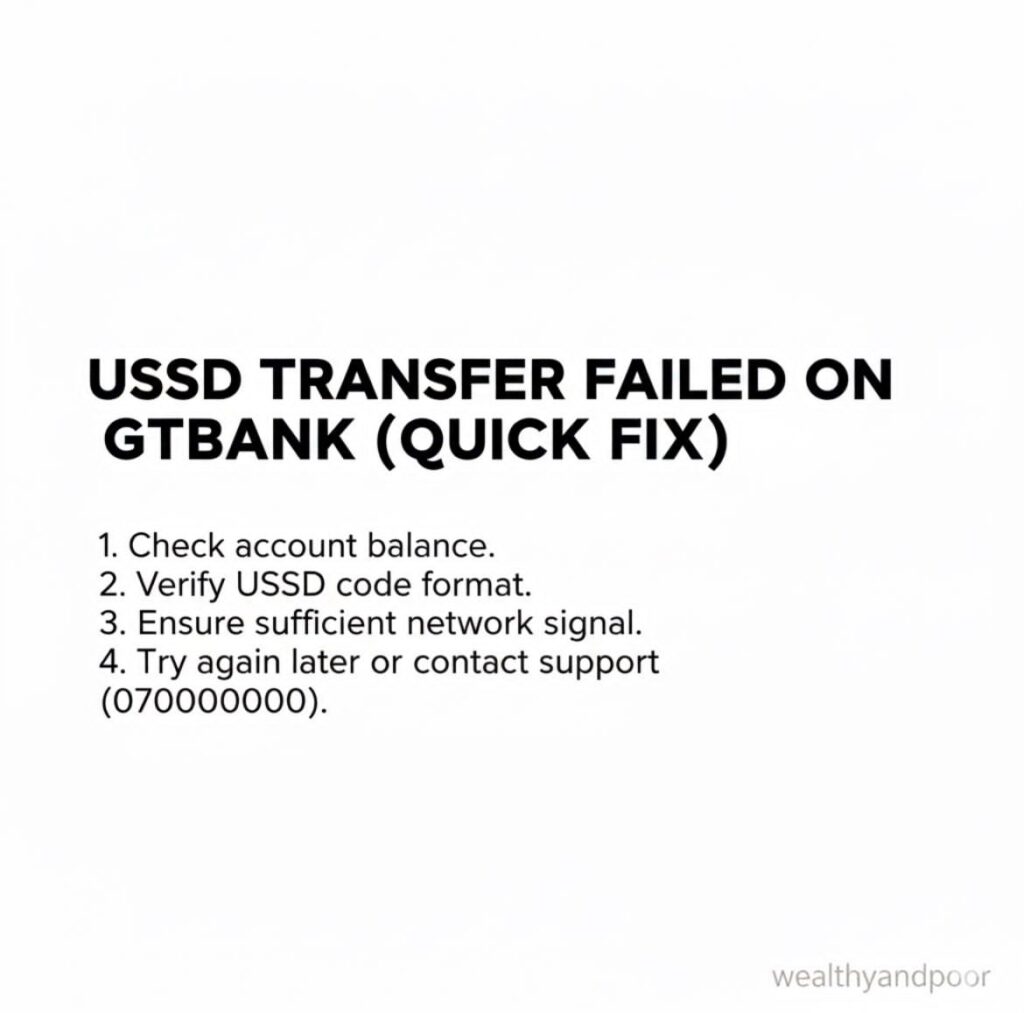
Quick Fix Steps: What to Do When Your GTBank USSD Transfer Fails.
These are practical steps Nigerians can follow when a USSD transfer fails:
- Wait a Few Minutes
Bank systems often automatically reverse failed transfers within minutes sometimes up to an hour or more depending on network conditions. Most funds are never lost. - Check Your Balance
Before retrying, check your GTBank balance by dialling 7371*00# (or 7370# > Balance) to confirm whether the amount was actually deducted or has been refunded. Accuracy here saves frustration and repeated attempts. - Confirm Correct Details
Always double-check: - Correct format: 7371AmountAccountNumber#
Correct bank name
Correct last four digits of your GTBank debit card (required for some transfers)
Even a small typo leads to failure. - Ensure Good Network: Move to a location with stronger signal (especially 4G/3G where available) before retrying. Switching to a different mobile network (if possible) can help as well.
- Confirm Airtime Is Available Because the USSD session fee draws from your airtime balance, make sure you have enough airtime before starting a USSD transfer, even though the transfer itself doesn’t take money from your account beyond the transaction amount.
- Use an Alternative Channel If *737# keeps failing
- Try the GTWorld mobile app
- Try internet banking on your phone or browser
- Visit an ATM to transfer via card
Often an alternative channel completes the transaction more reliably.
- Reset Your USSD PIN (if the error persists)
If you think the failure might be tied to an incorrect USSD PIN, you can reset it by dialling 7375# and following the prompts. - Contact GTBank Support
If nothing works after retries, call:
GTConnect, GTBank’s support line
Their WhatsApp support
Or visit your nearest branch
These channels can trace transactions, confirm reversals, and reset services.
Real Stories From Nigerian Users
Many customers have shared experiences online where they tried a USSD transfer that failed only to see several attempts accidentally multiple debits or unexpected delays before automatic reversals.
One common pattern: users retried transfers quickly after a failed session, which sometimes created duplicate debits. That’s why waiting and checking your balance first can save both money and stress.
Tips to Avoid Failed USSD Transfers in Future
- Top up airtime before dialling USSD
Even failed attempts will take ₦6.98 from airtime. - *Dial 737# on your registered number
USSD works only on the phone number linked with your bank account. - Avoid using USSD during network congestion
Busy periods (weekends, paydays) often see more failures. - Use alternative channels for large transfers
Mobile apps, internet banking, and ATMs handle big transactions more reliably.
Bottom line
USSD banking especially GTBank’s *737# is a lifeline for millions of Nigerians who rely on fast, convenient, offline banking. But like any technology tied to mobile networks and core bank systems, it isn’t perfect. A failed transfer can feel like a personal setback but with the right steps, it’s usually fixable and often automatic.
That peace of mind matters whether you’re paying rent, sending school fees, or just sending a little money home.











Comments